
Example 1: Label 1 to 2.25 × 1.25 inches
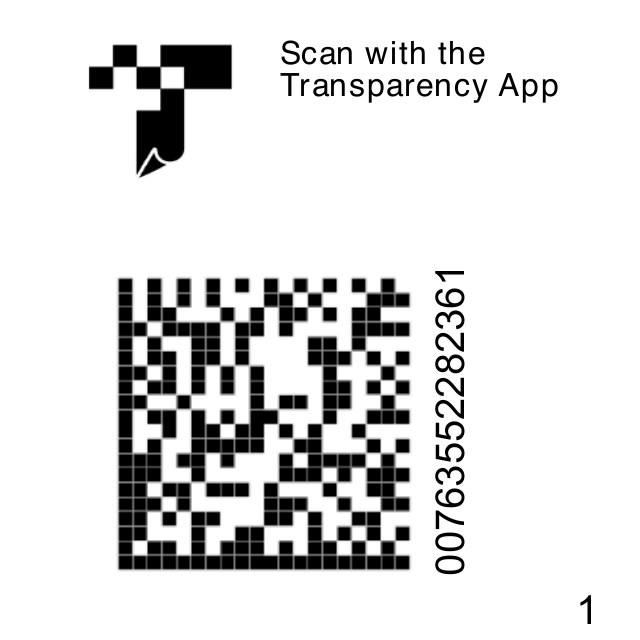
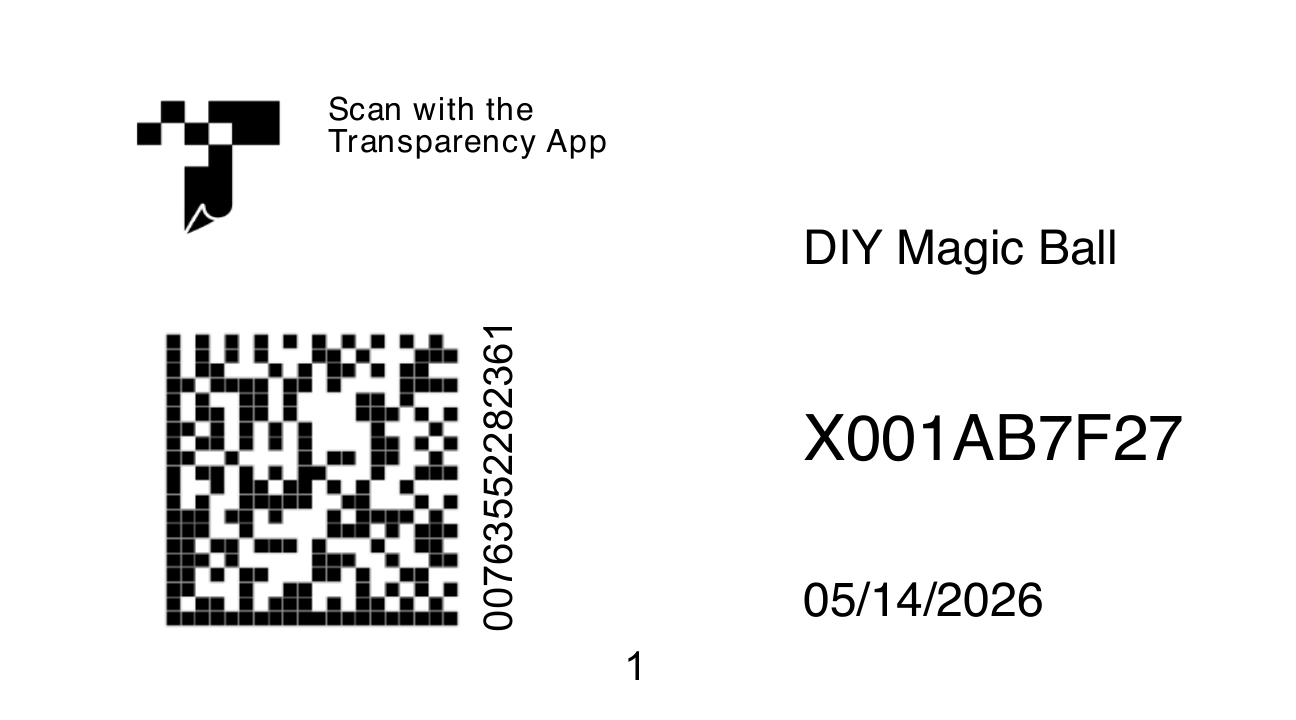
Choose 2.25 × 1.25 inches or another target size to match your label stock. Add model, FNSKU, and date text, then adjust its position and size in the preview.
| Label File | Type | Pages |
|---|---|---|
Match the PDF page size to the labels you already print on, then position product details where your team needs them.
Choose 2.25 × 1.25 inches or another target size to match your label stock. Add model, FNSKU, and date text, then adjust its position and size in the preview.
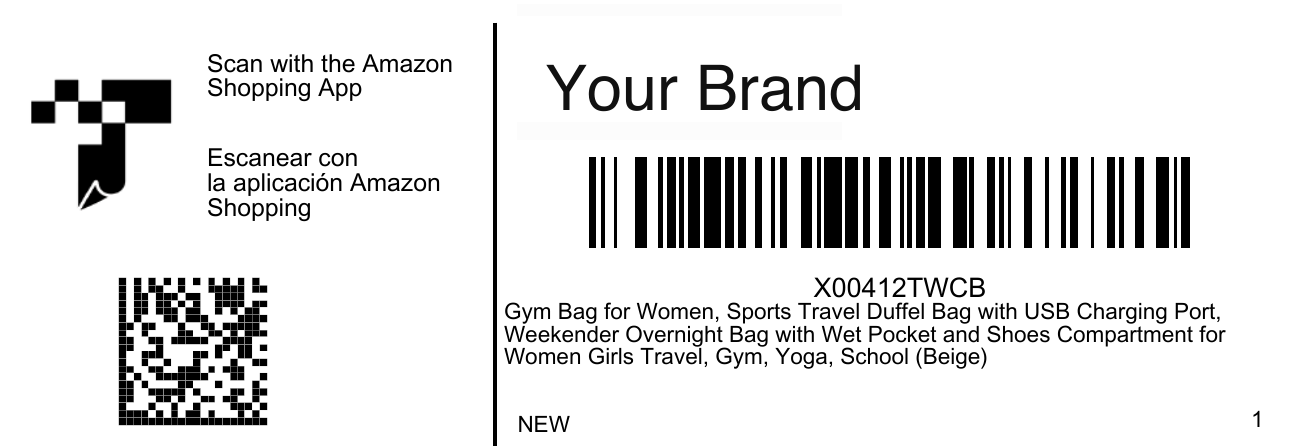
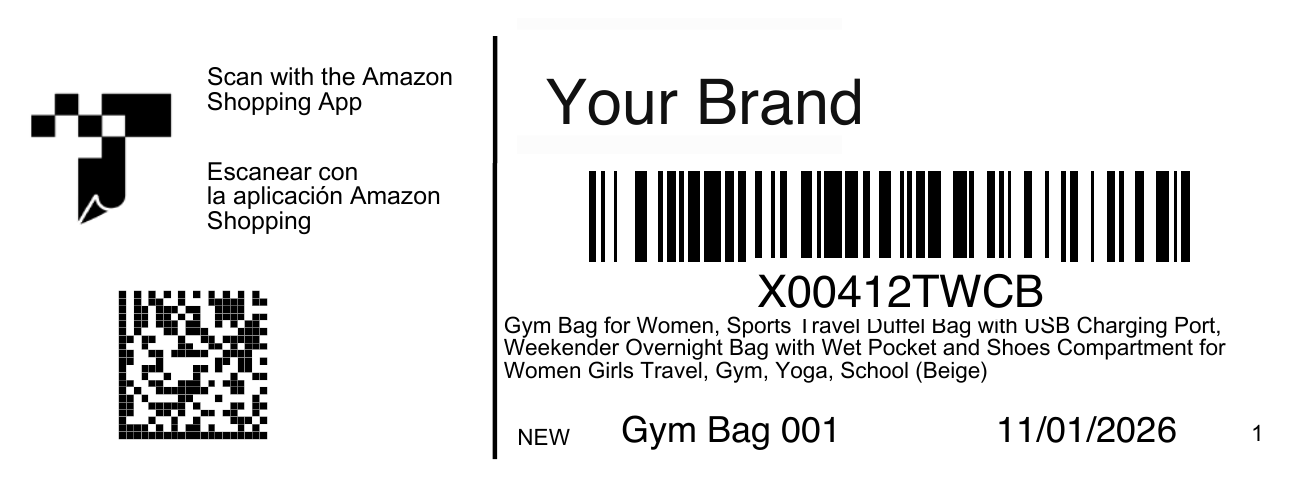
Resize Label 4 to 4.00 × 1.50 inches and add the model, FNSKU, and label date.
Amazon Transparency labels carry unique serialized codes used by Amazon's Transparency program to help verify individual product units and prevent inaccurate or counterfeit products from reaching customers.
Review Amazon's Transparency program page for current requirements.
Use accurate product, shipment, and printer settings to create labels that are easy to verify before they are attached to products or cartons.
Collect product identifiers, carton details, destination information, and any source files required by the selected tool.
Enter the details carefully or upload a supported file, then choose the output size that matches your label stock.
Confirm names, SKUs or FNSKUs, quantities, addresses, barcodes, label order, and page size before creating the final files.
Download the result and print one test at Actual Size or 100% before producing the full batch.
This area is reserved for a short walkthrough showing how to enter or upload label data, review the preview, and download printer-ready files.
These answers apply to the browser-based label tools on Ship Toolkit.
Yes. Choose output dimensions that match your label stock, then print at Actual Size or 100% and disable fit-to-page scaling.
Verify the product name, SKU or FNSKU, quantity, destination, carton number, barcode readability, and label size before attaching it.
Use the size printed on your label stock or required by the marketplace or carrier. The PDF page dimensions should match the physical label.
Label generation and PDF processing happen in your browser. Optional features such as address validation may contact a third-party service; review the privacy note on each tool.
Use a current version of Chrome, Edge, Firefox, or Safari. JavaScript must be enabled, and older browsers may not support every feature.
Amazon Transparency uses a unique code for each enrolled unit. Resize authorized labels without reusing one unit’s code on another unit. Amazon Transparency
1 inch equals exactly 25.4 mm. For example, 4 × 6 inches converts to 101.6 × 152.4 mm. NIST SP 811 · B.8
Developed and maintained by Ship Toolkit.